
Difference Between IPv4 and IPv6
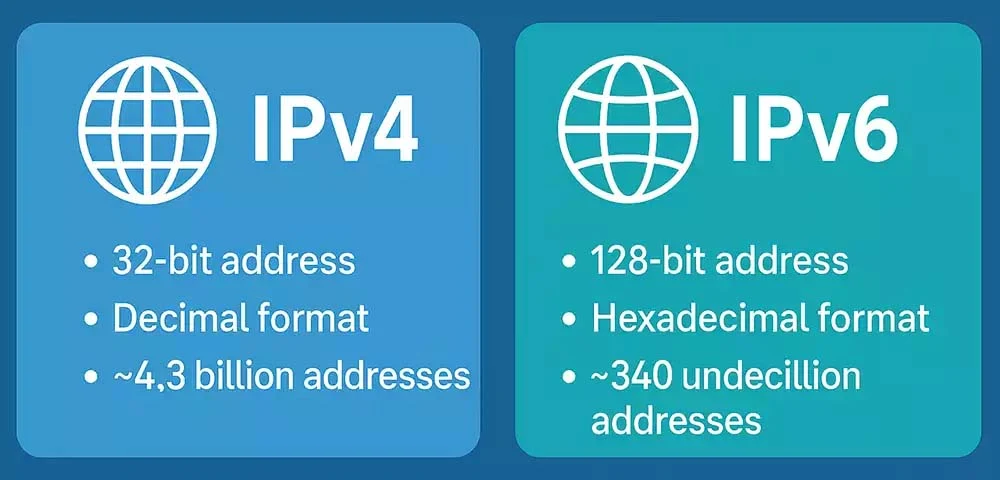
Understanding the basics of internet addressing helps you better manage your privacy, network, and device compatibility. Here's a breakdown of IPv4 vs IPv6.
🔢 What is IPv4?
IPv4 stands for Internet Protocol version 4. It's the original format used to identify devices on a network.
- Format: 192.168.1.1 (four numbers, separated by dots)
- Total addresses: About 4.3 billion
- Status: Still widely used, but running out of addresses
IPv4 has been the backbone of the internet since the 1980s but was never designed for the explosion of connected devices we see today.
🌐 What is IPv6?
IPv6 is the newer version designed to replace IPv4 and solve its limitations.
- Format: 2001:0db8:85a3:0000:0000:8a2e:0370:7334
- Total addresses: 340 undecillion+
- Built-in security and efficient routing
- Designed for the future of IoT, mobile, and smart devices
📊 Key Differences Between IPv4 and IPv6
| Feature | IPv4 | IPv6 |
|---|---|---|
| Address Length | 32-bit | 128-bit |
| Format | Decimal (e.g., 192.0.2.1) | Hexadecimal (e.g., 2001:db8::1) |
| Total Addresses | ~4.3 billion | ~340 undecillion |
| Header Complexity | Simpler | More complex, but efficient |
| Security | Optional (IPSec) | Built-in |
| NAT Required? | Yes | No (each device can have a unique IP) |
| Adoption Status | Legacy | Growing adoption |
❓ Why Is IPv6 Adoption Important?
IPv6 ensures that the internet can continue to grow. As devices like smart TVs, thermostats, and cars get online, we need more addresses than IPv4 can provide.
Bonus: IPv6 simplifies routing and improves security by design.
🔍 FAQ: IPv4 vs IPv6
Is IPv6 faster than IPv4?
It depends on the network and device, but in many cases, IPv6 can offer slightly faster connections due to streamlined routing.
Can I use both IPv4 and IPv6?
Yes! Most modern systems use dual stack, meaning they support both IPv4 and IPv6 simultaneously.
Should I disable IPv6?
Generally, no. Disabling IPv6 can break functionality on certain apps or services. It's best to keep it enabled unless troubleshooting.
🔍 Want to check which IP version you're using? Use our IP WHOIS Lookup to see your current IP address and protocol in use.